Skip to product information
1 of 5

Bantam Tools Draw™

$9.99


Download on the App Store

Best on iPad with Apple Pencil

NEW UPDATE

What’s New in Draw 7.3

Draw 7.3 introduces powerful new ways to create, edit, and fill your artwork.


New in Bantam Tools Draw™ 7.3

  • Draw and transform

    Create precise lines, polylines, rectangles, ellipses, and more to build structured designs alongside your freehand sketches. Use the Select tool to choose individual shapes or parts of your drawing, rotate them into place, and duplicate elements to quickly explore patterns, layouts, and new ideas.

  • A completely new Fill tool

    Get an early look at our latest fill engine, featuring a wide range of patterns, including hex, Penrose, grid mazes, and the classic hatch. Add texture, structure, and detail to your artwork, whether you are working with precise shapes or the organic, freehand forms you create using Apple Pencil.

  • Symmetry mode

    Create balanced, mirrored artwork as you draw. It is perfect for patterns, illustrations, and geometric designs.

    Update to Draw 7.3 and explore a whole new set of creative possibilities.
1 of 3
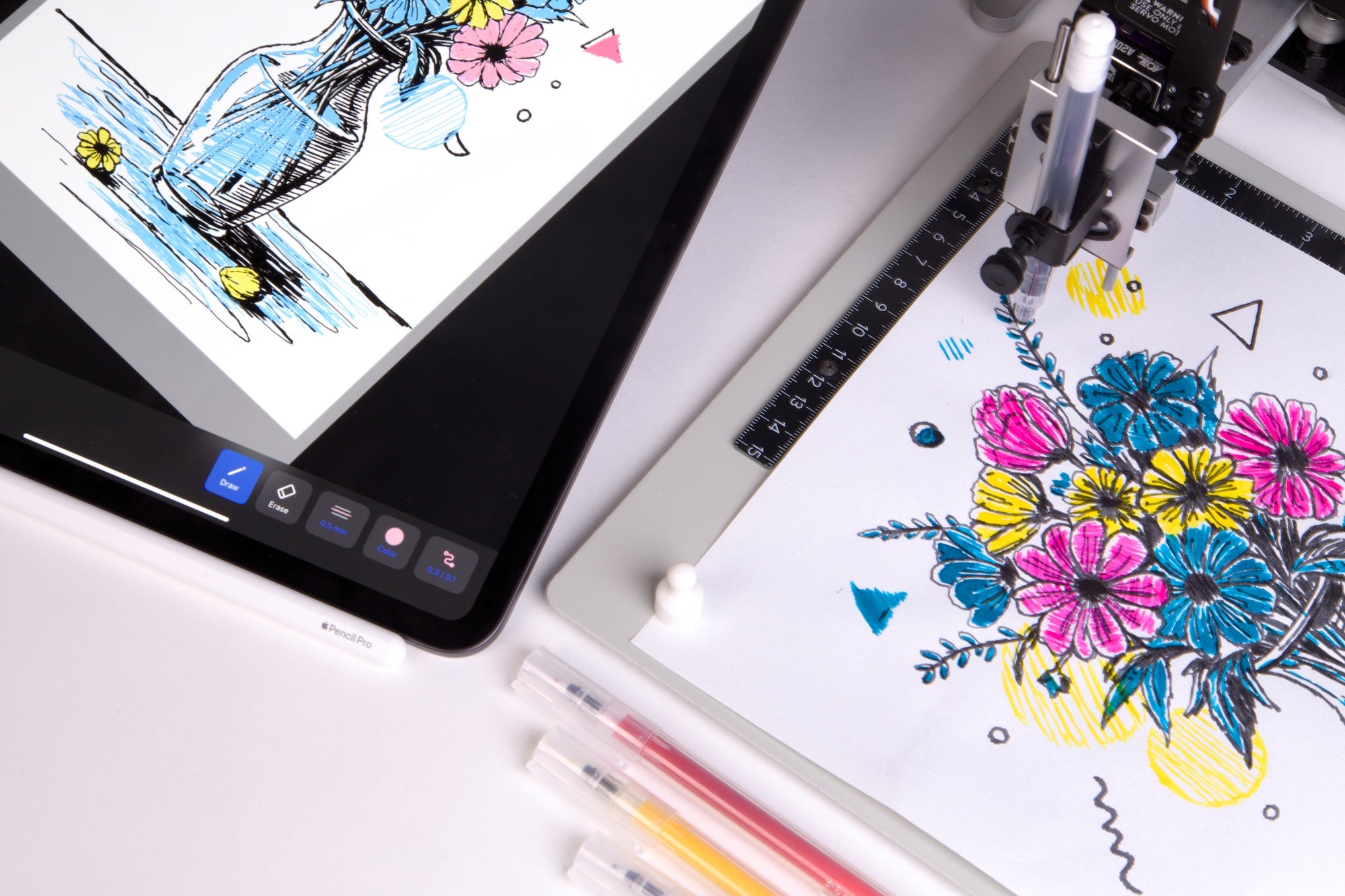
  • Bantam Tools Draw

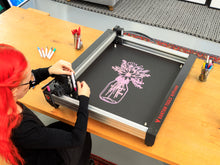
    a minimalist iPad drawing app to turn your sketches into Art Machine ready line work.
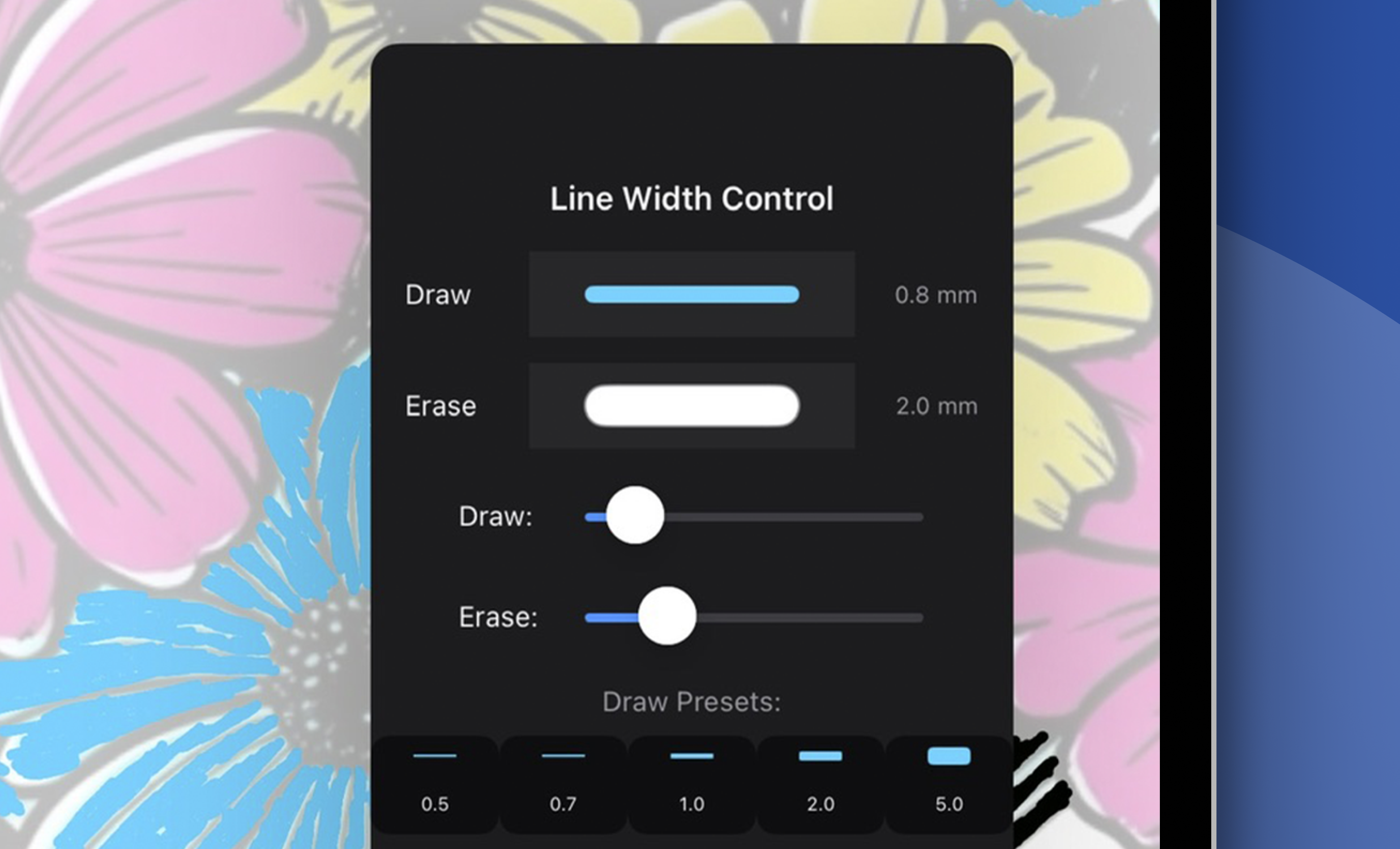
  • Real-World Precision

    Apple Pencil responsiveness with uniform vector lines in mm/in; no pressure or brush effects, just clean, accurate vector paths.
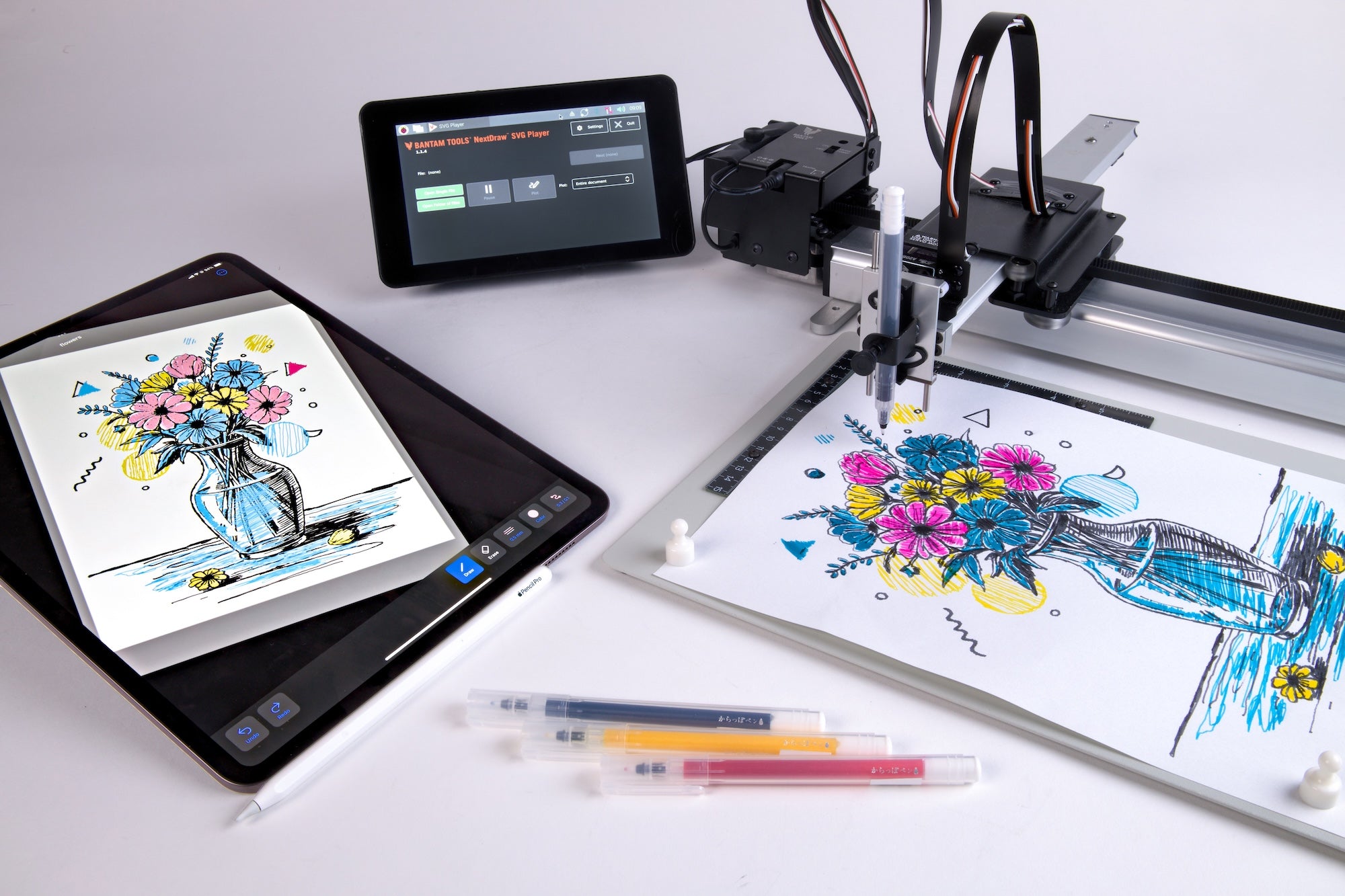
  • Plotter-Ready Exports

    SVG’s that are formatted and ready to be used in Bantam Tools Studio, NextDraw SVG Player, or the NextDraw Inkscape Extension (using the NextDraw Layer Control Syntax)
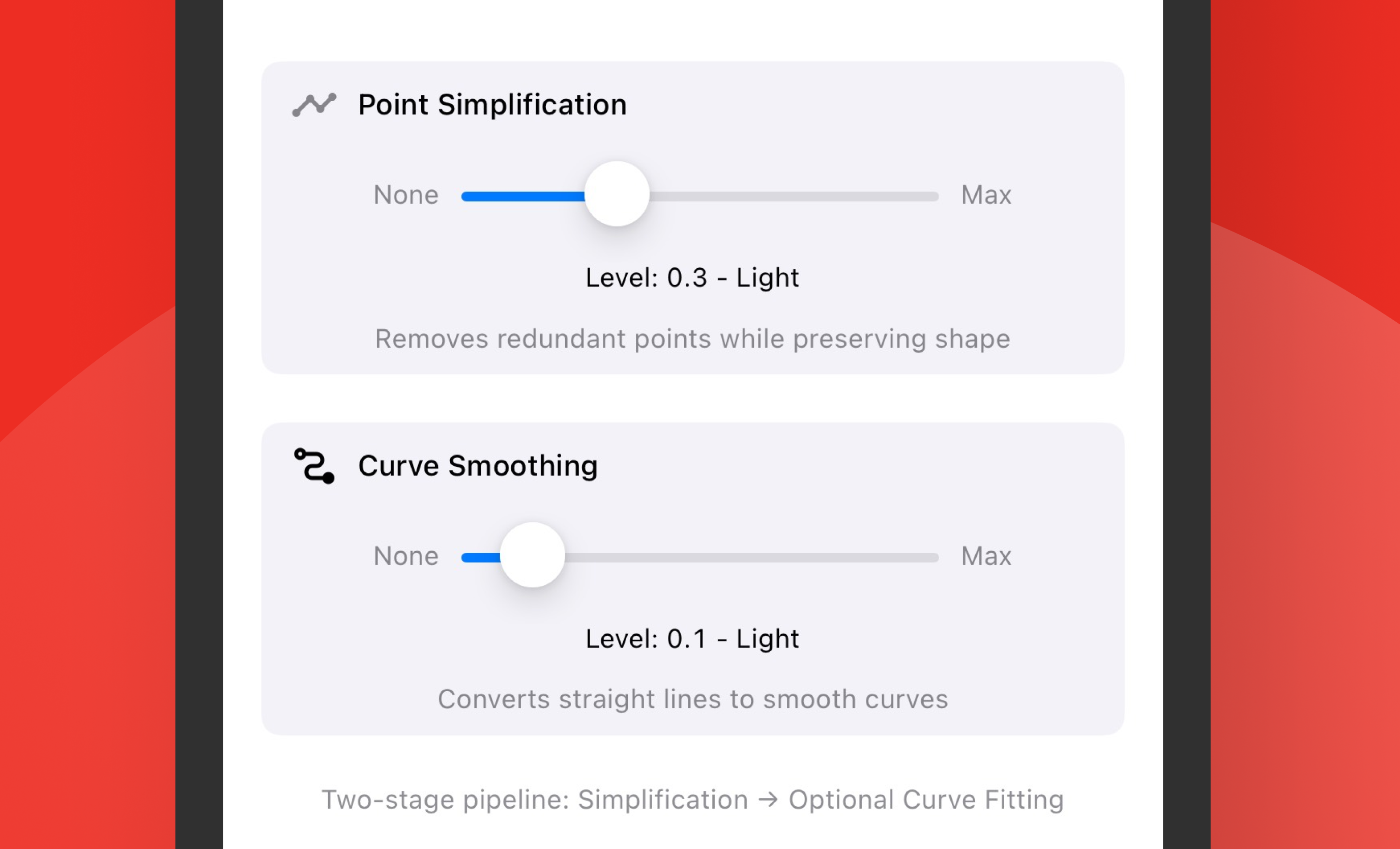
  • Creative Control

    Adjust line widths to match your pens for a true what-you-see-is-what-you-get experience, with optional curve smoothing for cleaner results.
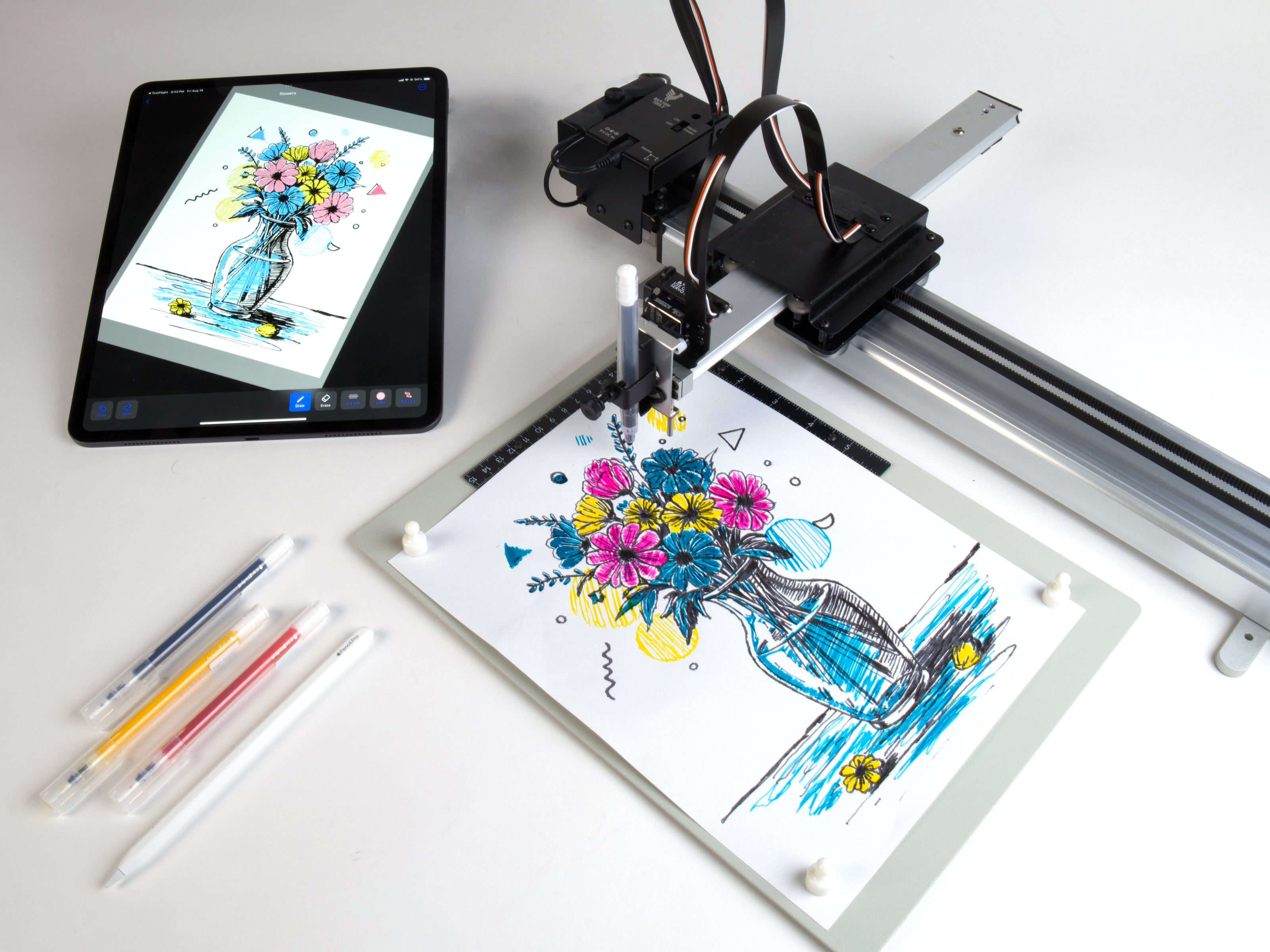
  • Zoom, Rotate, and Position Canvas

    Resolution-independent drawing where your pen size stays consistent, with paper guides visible at all zoom levels.
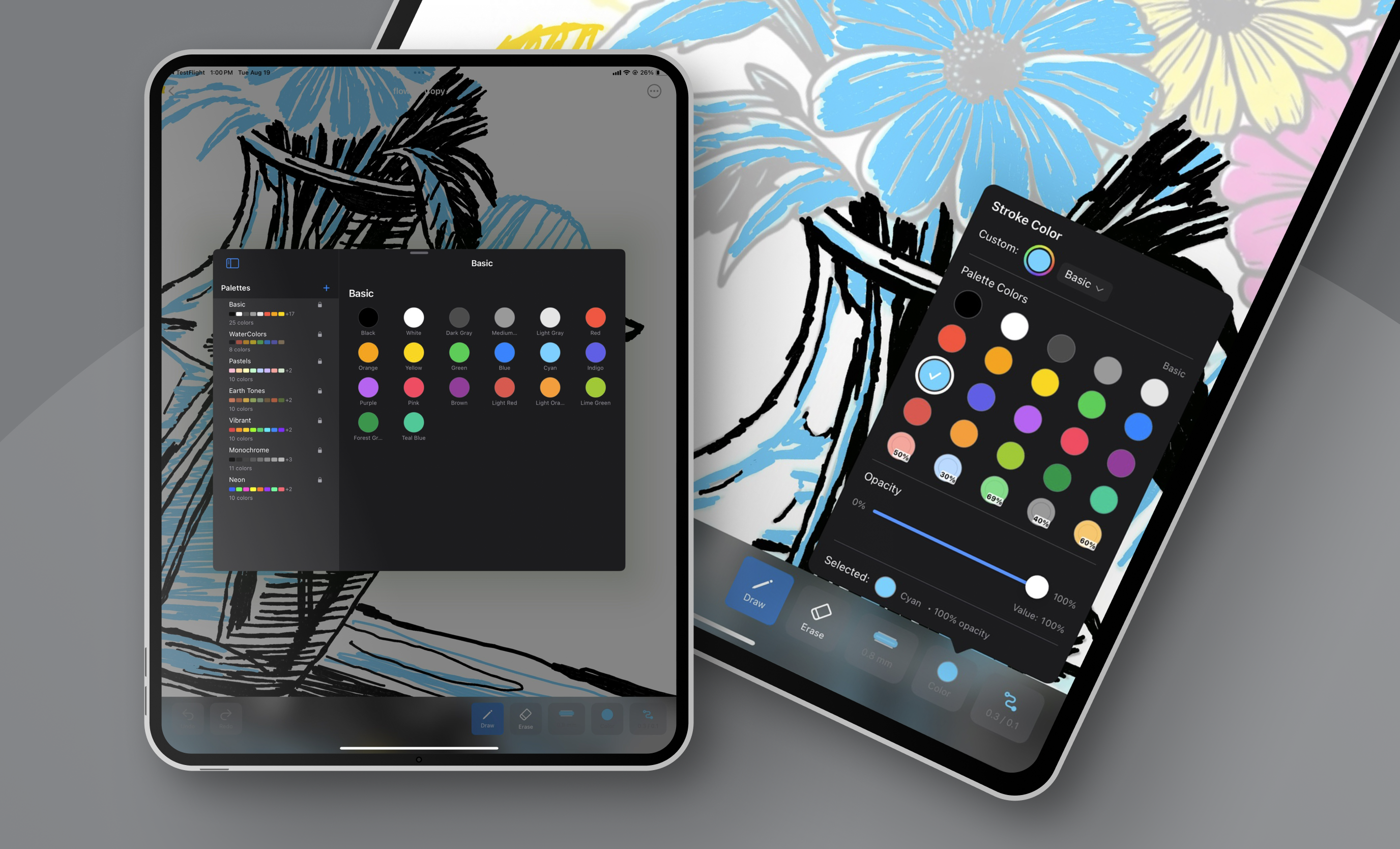
  • Available Now

    Bantam Tools Draw is available now on the Apple App Store. Best with iPad and Apple Pencil.

Bantam Tools Draw™

Description

Bantam Tools Draw is a minimalist iPad drawing app to turn your sketches into Art Machine ready line work.

It offers Apple Pencil responsiveness, as well as touch drawing, and SVG export optimized for physical machines to reproduce your art. While most iPad drawing apps focus on blending, shading, and screen-based illustration, often converting strokes into filled shapes, Draw doesn’t. It captures each stroke as a single, clean vector path, exactly what pen plotters need.

Whether you're drafting technical diagrams, exploring generative patterns, creating meditative hand-drawn designs, or combining art and engineering with a generation already comfortable drawing on iPads, Draw helps you draw with intention and plot with precision.

Bantam Tools Draw™

Key Feature

Core Drawing Experience
  • Minimalist, distraction-free interface designed to feel like drawing on paper with a pen.
  • Apple Pencil responsiveness with clean, uniform vector lines and support for touch drawing.
  • New drawing tools for creating precise straight lines, polylines, rectangles, ellipses, and more.
  • Select and transform tools that let you select shapes, rotate them, and duplicate parts of your drawing.
  • Real-world precision with lines defined in mm or inches instead of brush effects, pressure, or blending.
  • Resolution-independent canvas where pen size stays consistent at every zoom level.
  • Zoom, rotate, and position the canvas with visible paper guides for accurate layouts.
  • Performance improvements for a smoother drawing experience.
Output and File Handling
  • Plotter-ready SVG export optimized for Bantam Tools Studio, NextDraw SVG Player, and the NextDraw Inkscape Extension using NextDraw Layer Control Syntax.
  • True-to-scale output with standard paper templates for predictable plotted dimensions.
  • Single-stroke capture with every stroke saved as a clean vector path instead of a filled shape.
Creative Control
  • New Fill tool featuring hex, Penrose, grid maze, classic hatch, and other fill patterns.
  • Freehand shape filling that works with the organic shapes you create using Apple Pencil.
  • Symmetry mode for creating balanced, mirrored patterns, illustrations, and geometric designs.
  • Adjustable line widths that match the pens you use for true what-you-see-is-what-you-get results.
  • Optional curve smoothing for cleaner, more refined results.
  • Support for technical and meditative workflows ranging from precise diagrams and geometric patterns to freehand sketches.

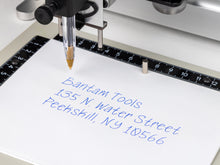
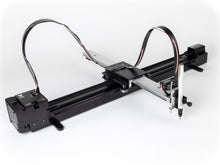
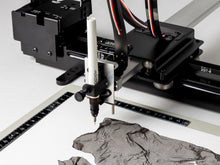
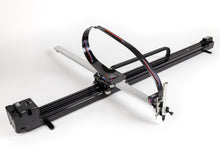
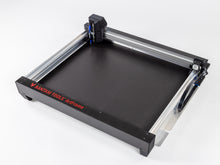
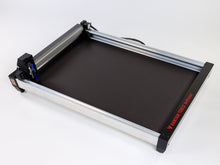
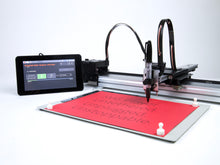
Designed to work with Bantam Tools Art Machines

or any art machine that runs SVG files!
1 of 7